

Getting Started
- Ensure you have Windows 10 installed. If you cannot install this on your primary machine, you can set up a virtual machine on Windows 10 for Cocos2d-x development.
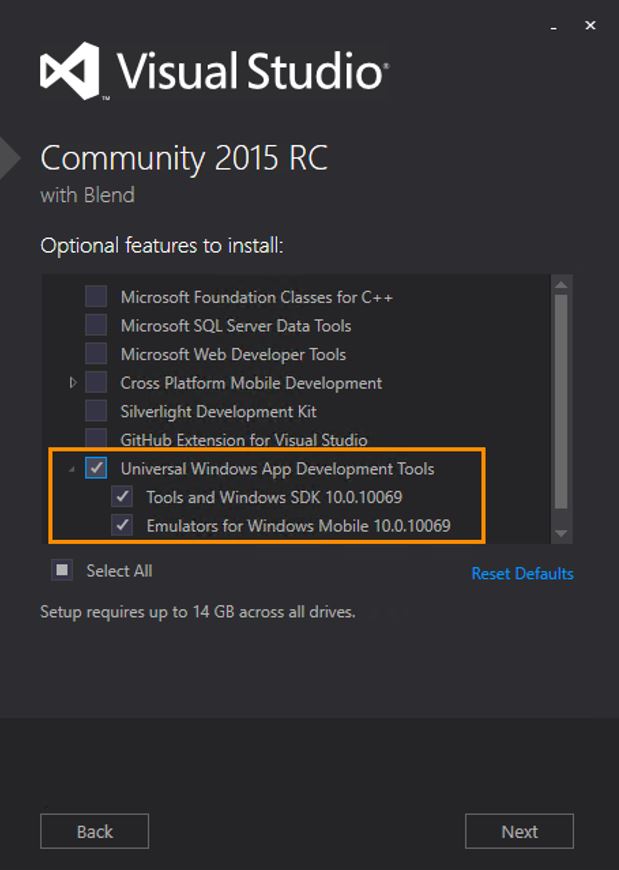
- Download and install Microsoft Visual Studio. Make sure that the “Universal Windows App Development Tools” are selected from the optional features list as these are needed for UWP development.
- Install Python 2.7.x
- Add c:\Python27 to the Path Environment setting
- Clone the Cocos2d-x repo [https://github.com/cocos2d/cocos2d-x] and follow the steps described within the related readme file (download-deps.py and git submodule update –init)
- Open up command prompt and use the command:
cocos new myWin10Game -l cpp -d projects - Enter the proj.win10 folder and open the solution. In this example, it will be myWin10Game.sln.
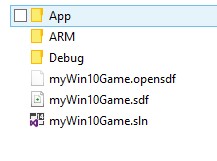
Getting into the source code
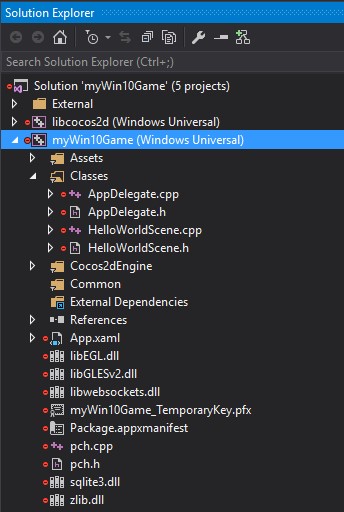
In Visual Studio 2015, you will see this project structure. As expected, all of the game logic and code will be contained within the Classes folder. The application start code will reside within HelloWorld.cpp.
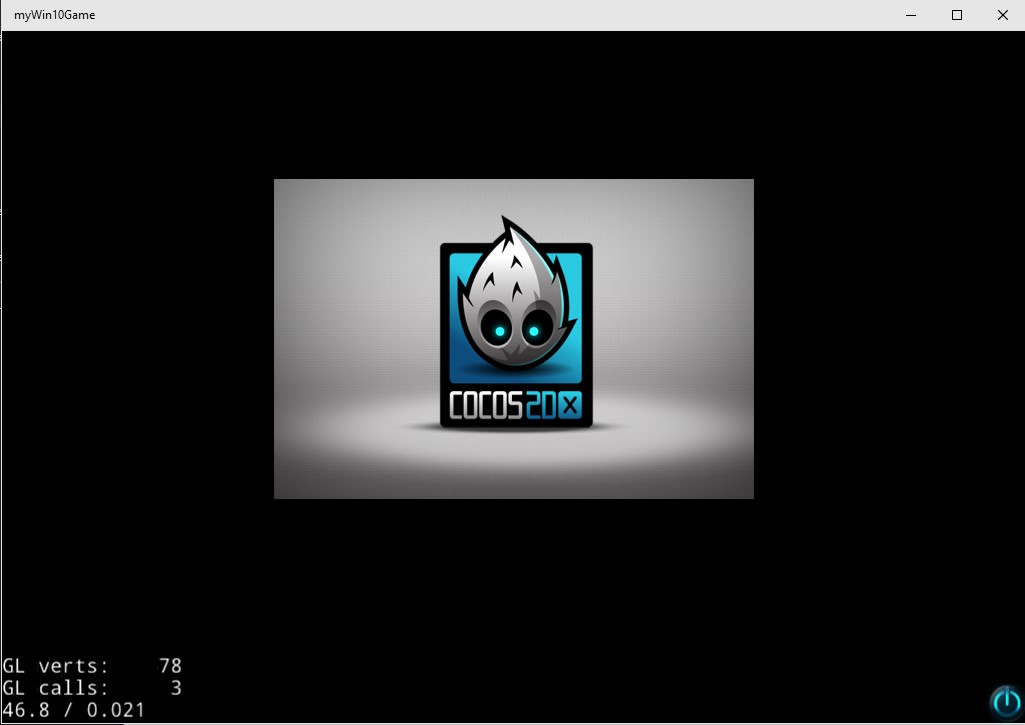
You can build and run the game, below is what you should see. To switch to Windows Mobile and test on a phone or phone emulator, just switch your output to ARM and change your deploy target.
This is just the beginning of our Cocos2d-x work on Windows 10. If you want to try out a more complex game, clone the repro for Rocket Man. For an example of a full blown game running Cocos, Devils & Demons by HandyGames in Germany is one of many examples. Devils & Demons is a great RPG that lets you fight hordes of demons and undead with amazing quests!
We would love for you to start working with Cocos and give us your early feedback and report issues. More so, we would love to see what everyone creates, tweet @WPDev a link to your game so we can try it out!
If you haven’t already, check out the “Unleash the Power of Cocos and Windows” Game Developer Contest. The deadline has been extended to June 30. You now have more time to finalize your entry or submit a new entry of innovative mobile games built for Windows using the Cocos engine. The contest will award $25,000 USD for first place, $15,000 USD for second place, and $3,000 USD for third place. Games will be judged on originality, innovation, and pushing the boundaries of creativity using Windows and the Cocos engine. Submit your new game or newly ported game today!